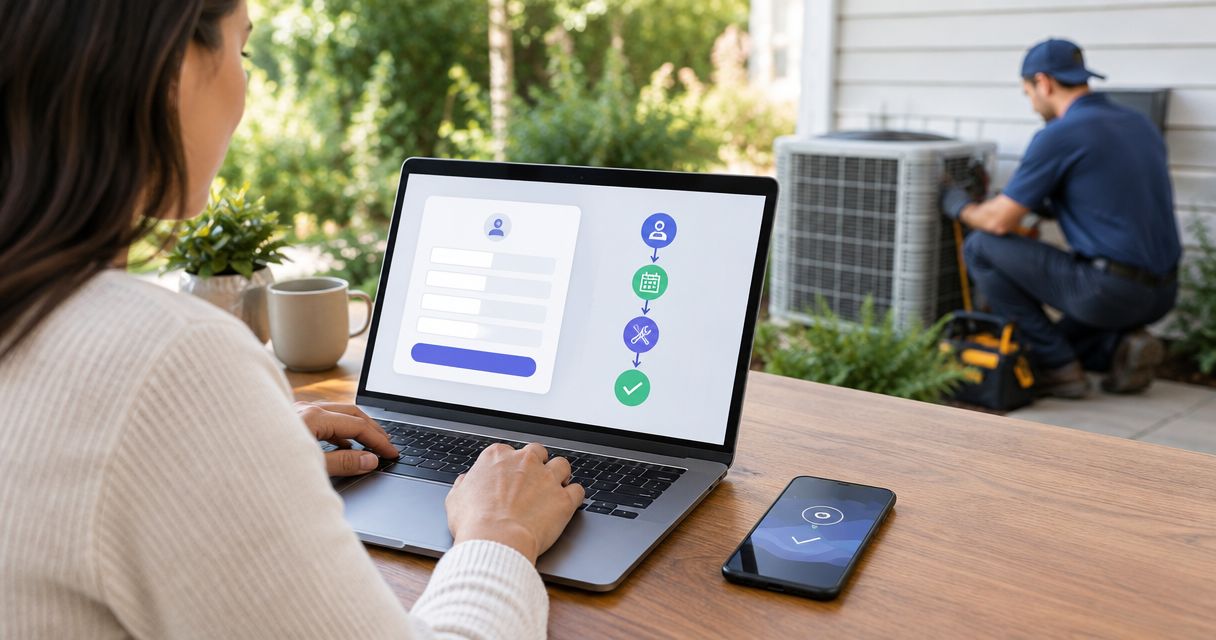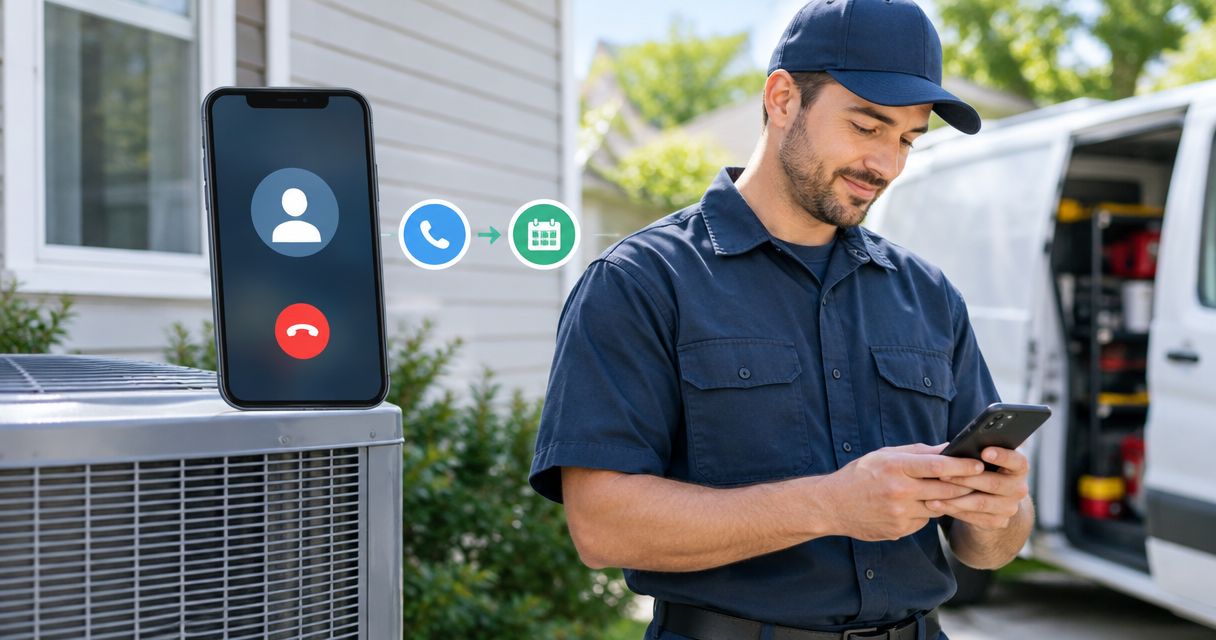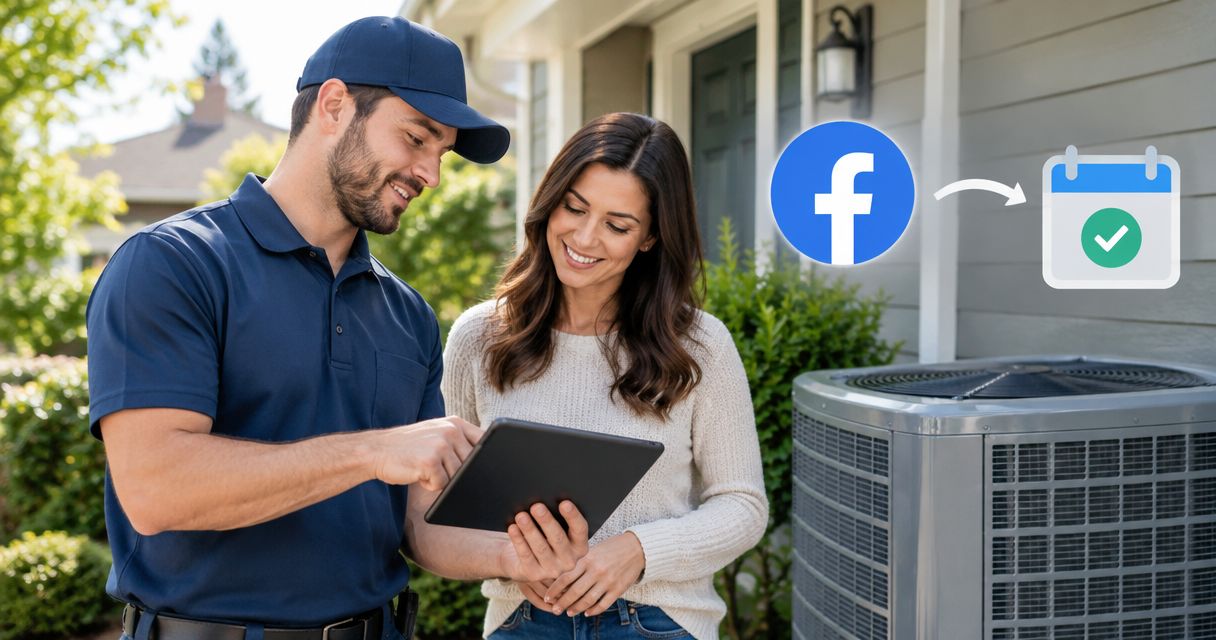
Instead of manually copying Facebook inquiries into a callback list, build an HVAC appointment-booking workflow that captures each lead, checks service fit, assigns follow-up, and confirms a valid scheduling slot. Use Relaykite-3 for managed lead response and appointment setting, with connection methods, booking permissions, and escalation rules confirmed before launch.
- Facebook lead ads HVAC appointment booking needs qualification, scheduling checks, and a clear confirmation step.
- Relaykite-3 suits U.S. HVAC businesses seeking managed lead response and appointment setting.
- Use automatic booking only when service eligibility and scheduling rules are configured for your business.
- Test duplicate submissions, rejected bookings, and opt-outs before sending live leads into follow-up.
Why this matters
A submitted Facebook form is an inquiry, not a booked service appointment. Your workflow must establish what the customer needs, whether your business serves that request, and whether a suitable appointment can actually be reserved.
Relaykite-3 is best for U.S. HVAC businesses seeking managed lead response and appointment setting. The service supports responding to inquiries, following up with prospects, and booking appointments; the booking outcome still depends on your business rules and the customer's response.
For your 2026 setup, separate three events: lead received, appointment requested, and appointment confirmed. Treating them as interchangeable creates misleading reporting and customer messages that promise more than the schedule supports.
Choose the booking method before connecting anything:
| Workflow | Best for | Advantage | Limitation |
|---|---|---|---|
| Automatic booking | Eligible requests with clear scheduling rules | Removes the staff approval step for qualifying requests | Requires reliable scheduling access and explicit booking boundaries |
| Staff-confirmed booking | Requests needing dispatch or scope review | Keeps uncertain jobs under human control | Requires an assigned person to complete confirmation |
Neither method guarantees a booked job. Automatic booking needs stricter configuration; staff-confirmed booking needs a dependable handoff.
Before you start
- Access and ownership: Have access to the Facebook Page, its lead forms, your chosen lead-delivery connection, and the scheduling destination. Assign a person who can approve connection permissions and a person responsible for unresolved inquiries.
- Operating materials: Prepare your service area, accepted job types, operating hours, scheduling rules, escalation instructions, and approved customer messages. Define what the managed service can answer and what requires your staff.
- The hidden blocker: Facebook lead access and appointment-writing permission are separate requirements. Verify both before setup; receiving an inquiry does not establish permission to create or change a booking. Review your contact disclosures and proposed follow-up channels before enabling outreach.
Use a written configuration sheet for the steps below. The field names suggested here are internal worksheet labels, not claims about settings inside a particular application.
Lead capture configuration
- Identify the source form. In Meta Ads Manager, identify the campaign, Page, and form used for the HVAC offer. Where your account exposes Instant forms, open the intended form rather than selecting a similarly named draft. Record the source identifiers in your configuration sheet.
- Review the actual questions. Check the form's Full name, Phone number, and Email fields where included. Add or review questions that establish service location and requested work. Only collect information you need to qualify and contact the customer.
- Define the field mapping. Map the submitted name, contact details, service request, and location into your lead destination. Preserve the Facebook lead identifier and source details where the connection provides them. Keep original customer answers separate from later staff notes.
- Submit a controlled test. Use a test inquiry with contact details you control. Inspect the received record, not just the connection's success message. Confirm that the service request remains readable and the telephone number is usable.
Expected result: One test submission produces one usable inquiry record with its source, contact details, and service request intact.
For the 2026 launch, keep the test record clearly marked and exclude it from performance reporting. Do not let a successful delivery test authorize customer outreach before the remaining rules are configured.
Qualification and response rules
- Set service boundaries. Write down which locations and job categories qualify. Distinguish service calls from replacement estimates or other appointment types your business accepts. Route uncertain requests for review rather than forcing them into the nearest category.
- Define the first response. Identify your business, acknowledge the customer's stated request, and ask for the next missing detail. Do not imply that an appointment exists merely because the form was received. Use only contact channels approved for that lead and workflow.
- Assign exceptions. Give unsupported locations, unclear requests, and urgent situations an explicit destination. Do not let an automated conversation substitute for emergency assistance. Use safety language approved by your business and assign staff ownership of urgent escalations.
- Set stop conditions. Stop promotional follow-up after an opt-out. End new-lead appointment requests after confirmation, cancellation, or a staff takeover, as appropriate. Preserve the inquiry history so staff can understand why the sequence stopped.
Expected result: Every inquiry either advances toward scheduling, waits for a specific answer, or reaches a named staff owner.
For Relaykite-3 lead response, agree on these boundaries as part of configuring the managed service for your business. A response script is useful only when its promised next step matches what your team can deliver.
Booking configuration
- Choose the booking method. Select automatic booking or staff-confirmed booking using the comparison above. For automatic booking, confirm that the connection can read the relevant schedule and create the intended appointment record. For staff confirmation, define the review queue and responsible person.
- Match the appointment type. Tie each eligible request to an approved appointment category. Apply your own duration, technician qualification, travel, and scheduling rules. Do not use a generic calendar opening as proof that the right technician can perform the job.
- Separate preference from reservation. Record a customer's preferred time as a request until the scheduling destination accepts the reservation. Check the destination's time zone and the time shown in customer messages. Describe an arrival window as a window, not an exact arrival promise.
- Verify before confirming. Send a booking confirmation only after the appointment is saved successfully, or after staff approval in the staff-confirmed workflow. Include the service address, appointment type, date, and agreed time or window. Give the customer a clear way to request a change.
Expected result: A confirmed message corresponds to a real appointment record, with the same service details and timing.
For your 2026 workflow, the appointment record—not a reply expressing interest—is the booking checkpoint. Keep declined writes and unresolved scheduling requests visible to staff.
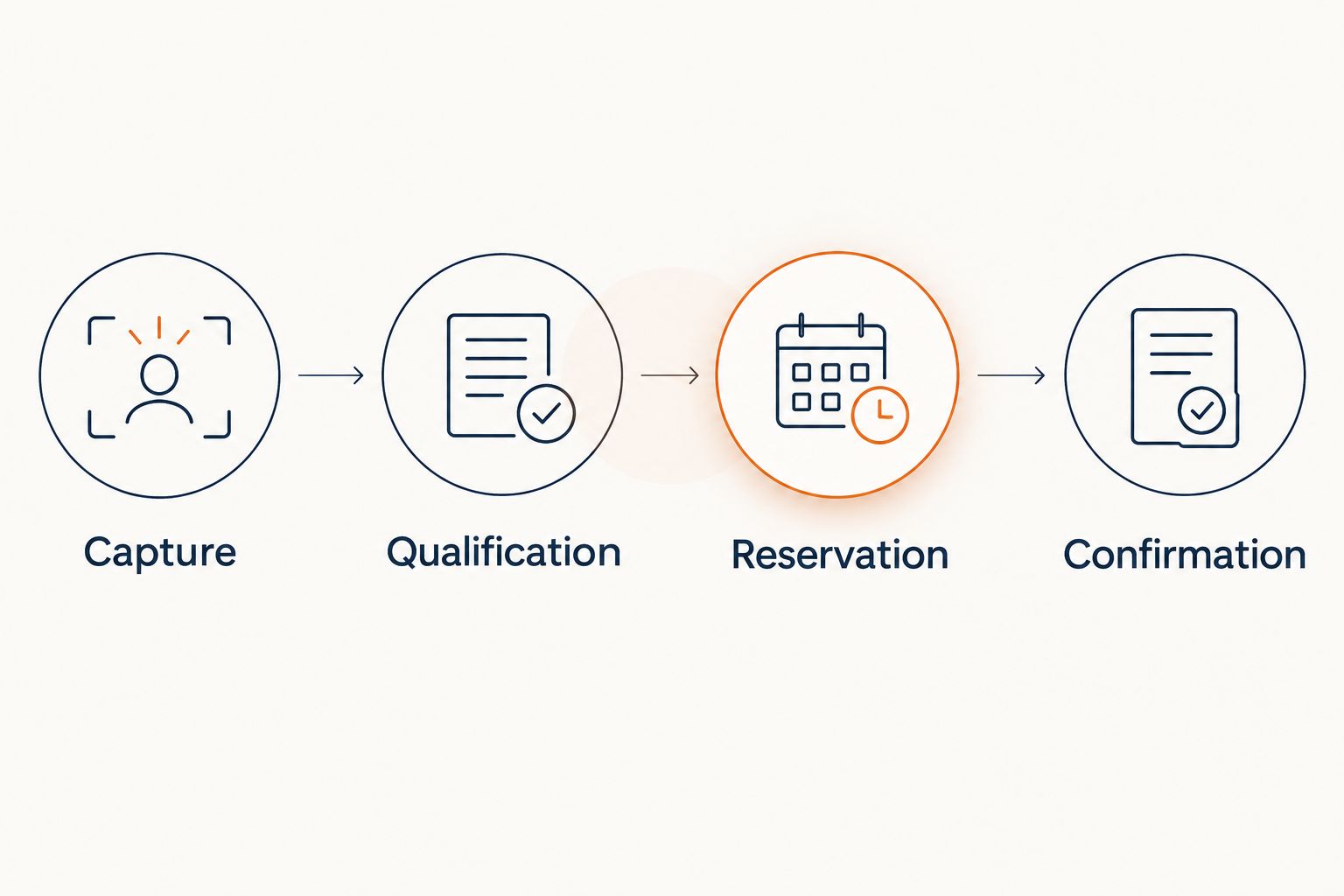
The core sequence is capture, qualification, reservation, and confirmation. Each stage needs a defined outcome before the next stage starts.
Testing and launch controls
- Run five test submissions. Include an eligible inquiry, an unsupported location, a repeated submission, an unanswered inquiry, and a scheduling request that cannot be accepted. These are test cases, not expected conversion rates.
- Inspect the whole chain. Check the original form answers, received lead record, outgoing response, staff handoff, appointment record, and confirmation. For each test, document the expected result before triggering it.
- Check duplicate protection. Resubmit the same test lead through your connection's supported test or replay method. Confirm that the replay does not create a second appointment or restart completed follow-up. Also test a genuinely new request from the same customer.
- Release under supervision. Assign an owner to review live inquiries during launch. Investigate failed deliveries, abandoned handoffs, and confirmation mismatches before expanding the workflow to more forms. Keep a staff-handled fallback ready if the scheduling connection fails.
Expected result: All five test cases reach their intended outcomes, including the cases that should not produce an appointment.
Use a 2026 launch log that records configuration changes alongside failed and successful tests. A change to a form question can affect field mapping even when the advertisement itself still runs.
Follow up whenever an inquiry is updated
A second workflow handles customers who submit a form but need another conversation before scheduling. Trigger it from a meaningful inquiry change, such as a customer reply or staff-updated qualification, rather than from every record edit.
- Customer supplies a missing detail: Recheck eligibility, then offer the next scheduling step. Preserve the original request so the customer does not need to repeat it.
- Customer changes the requested service: Reassess the appointment category before offering times. A replacement estimate and a repair request should not inherit each other's rules automatically.
- Customer requests a different time: Update the existing appointment through the approved process. Do not create an additional booking unless that is the customer's actual request.
- Staff takes ownership: Pause overlapping automated outreach. Resume only under a defined handback rule, with the current conversation state preserved.
The advantage is continuity: your follow-up reflects what the customer has already said. The limitation is event control; unrelated record edits must not restart the conversation.
For your 2026 follow-up plan, define the contact sequence and stop rules in writing. Treat response timing as a configured operating decision, not a promised booking result.
Troubleshooting
The form receives leads, but the destination does not
Check the selected Page, form, connection permissions, and field mapping. Inspect the connection's delivery history to distinguish a failed transfer from a record sent to the wrong destination. Retest after a permission or form change.
The same inquiry creates repeated follow-up
Use the source lead identifier, where supplied, to recognize delivery retries. Separate duplicate delivery from a new service request by an existing customer. Suppress repeated actions for the same inquiry without permanently blocking that customer's future requests.
The customer gets a confirmation, but no booking exists
Move confirmation after the successful appointment-write checkpoint. A conversation status or requested time is not sufficient. Send failed reservations to staff and stop messages that imply the appointment is secured.
Appointment times differ between systems
Compare the scheduling destination's time zone, the stored appointment time, and the rendered customer message. Test a specific date rather than assuming a fixed UTC offset works throughout the year. U.S. daylight saving rules make that assumption unreliable.
Follow-up continues after an opt-out or staff takeover
Check whether every active outreach path receives the stop event. Apply suppression across the relevant sequences, not just the most recent message thread. Review queued messages as well as future triggers before reopening the workflow.
Customize your workflow
Expand by adding business rules, not by removing booking checks. Start with another appointment category or lead source only after its qualification, scheduling, and exception paths have been tested.
For Relaykite-3 appointment setting, keep the approved script, service boundaries, and staff responsibilities aligned with the managed configuration. The benefit is delegated response and follow-up; the constraint is that business-specific decisions still need clear instructions and ownership.
If you also receive inquiries from Google, use the Google Local Services Ads booking workflow to plan a separate source path. Keep source reporting distinct even when both paths use the same booking rules.
Review your lead response workflow
Discuss managed response and appointment setting configured for your HVAC business.
FAQ
How do I turn Facebook lead ads into booked HVAC appointments?
Capture the inquiry, qualify the service request, check scheduling rules, and confirm only after the appointment is saved or approved. Route exceptions to staff instead of treating every form submission as bookable.
What's the best booking workflow for Facebook HVAC leads?
Automatic booking fits eligible requests with clear scheduling rules; staff-confirmed booking fits requests that need review. Choose based on the decisions required before your business can commit to an appointment.
Can Relaykite-3 handle HVAC lead response and appointment setting?
Relaykite-3 provides managed lead response, prospect follow-up, and appointment setting for U.S. HVAC businesses. Confirm the Facebook lead-delivery method, scheduling connection, and booking permissions for your configuration before launch.
Do I need a direct Facebook-to-calendar integration?
No, the workflow can use an approved intermediary or a staff-confirmed handoff. Automatic booking still requires a verified way to read the relevant schedule and create the intended appointment record.
What information should my HVAC lead form collect?
Collect the contact and service details needed to assess the request, including a usable contact method, service location, and requested work. Keep the form limited to information your qualification and follow-up process actually uses.
How many test leads should I submit before launch?
Use five test submissions for the launch checklist in this guide. Cover an eligible request, an unsupported location, a duplicate, an unanswered inquiry, and a rejected scheduling request; add cases for your own business rules.
Does automated follow-up guarantee more HVAC bookings?
No, automated follow-up does not guarantee appointments or revenue. Results depend on lead quality, customer response, service fit, scheduling capacity, and the workflow configured for your business.
One last thing
A workflow that correctly refuses an unsuitable booking is working. Include a deliberately unbookable request in every major configuration test, not just an easy inquiry that follows the ideal path.
Your strongest launch check is a failed reservation handled honestly: no false confirmation, no duplicate appointment, and a clear staff handoff. That protects the customer experience when the schedule cannot support the request.