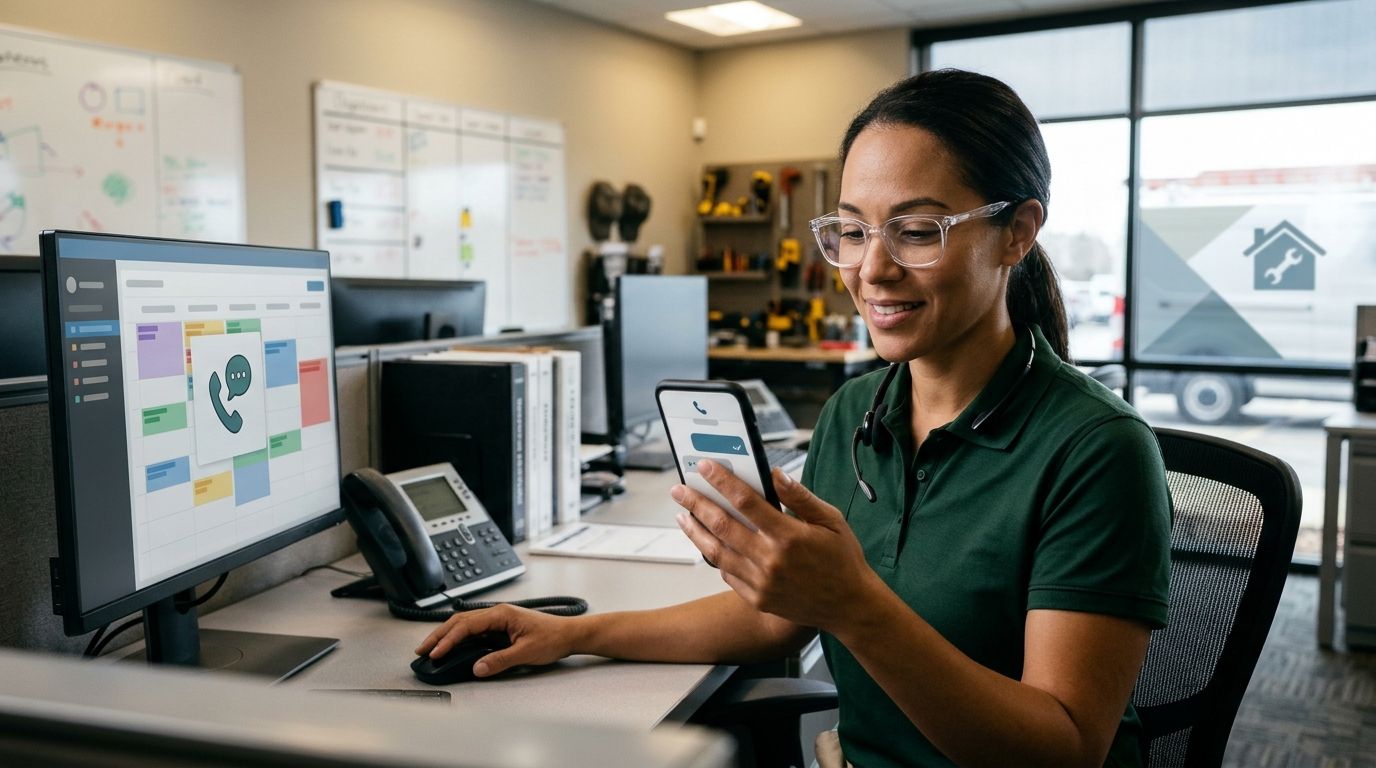
AI knows which HVAC technician is available only through the scheduling information it can access and the booking rules configured for your business. An open calendar slot alone does not establish that a technician can handle the job; the workflow must also account for job requirements, working hours, and dispatch approval where required.
- How does AI know which HVAC technician is available? It checks scheduling records against configured booking rules.
- A free calendar slot is not proof that a technician can perform the requested work.
- Relaykite-3 provides managed HVAC lead response and appointment setting; technician assignment requires separate verification.
- When availability cannot be verified, collect the request and leave confirmation to your team.
Why this matters
Your customer wants an appointment. Your dispatcher needs a workable schedule. Those are different requirements, and a booking workflow must respect both.
For your 2026 setup, separate answering an inquiry, accepting an appointment request, and confirming technician capacity. The guide to unattended HVAC appointment booking addresses the related question of what a booking workflow should complete without staff involvement.
The correct standard is verified booking authority, not a confident-sounding answer. A system should promise only the appointment status your business has authorized it to confirm.
How does AI know which HVAC technician is available?
An AI booking workflow needs an authoritative schedule, rules for interpreting that schedule, and permission to take a defined action. The language model handles the conversation; access to operational records supplies the scheduling evidence.
Use these 5 steps to define the process. They describe a workflow to verify, not a claim that every service includes each capability.
- Capture the request. Collect the customer's location, requested service, contact details, and preferred appointment window. Ask for enough information to route the work without attempting a remote diagnosis.
- Check the schedule. Consult the calendar or dispatch record your business treats as authoritative. A separate intake calendar is not interchangeable with the technician schedule unless your process keeps them aligned.
- Apply booking rules. Check whether the requested work fits the service area, appointment type, working hours, and technician assignment rules you have established.
- Confirm the booking. Verify that the selected appointment was successfully recorded before describing it as confirmed. If your process requires dispatcher approval, preserve that requirement.
- Handle exceptions. Route missing information, conflicting records, unsupported requests, or failed updates to your team. Tell the customer what remains unconfirmed.
The important handoff is between checking and confirming. Reading a free slot does not establish that the appointment was saved, and saving an appointment does not establish that a named technician was assigned.
Ask the provider to demonstrate those actions separately during your 2026 acceptance review. The customer-facing wording should match the action that actually succeeded.
Which booking approach fits your HVAC operation?
Choose the booking approach before choosing the wording your answering service uses. A business that reserves service windows needs different confirmation rules from a business that assigns a specific technician during intake.
| Approach | Best for | What it establishes | Benefit | Limitation |
|---|---|---|---|---|
| Appointment request | Teams that approve every visit | The customer's requested service and preferred time | Keeps approval with your staff | Does not confirm a visit |
| Calendar booking | Teams with predefined bookable windows | A reservation in the designated calendar | Gives intake a clear booking boundary | Does not independently establish technician suitability |
| Dispatch-aware assignment | Teams that assign technicians during booking | An assignment checked against the connected dispatch records and configured rules | Connects booking decisions to operational records | Depends on accessible, current records and correct setup |
Choose the narrowest booking authority that matches your actual process. Do not describe a request-only workflow as automatic dispatch.
Calendar booking is appropriate when your business deliberately separates appointment intake from technician assignment. Dispatch-aware assignment requires more operational information and exception handling. Neither approach excuses an unclear confirmation message.
What should an appointment confirmation actually promise?
An appointment confirmation should state exactly what your business has committed to: a requested window, a reserved service window, or an assigned visit. Those statuses should not share interchangeable wording.
For example, a message that says your team will review a requested window is not a booking confirmation. Likewise, reserving a service window should not imply that a particular technician is already on the way.
Have your dispatcher approve the wording for each status. This is a practical control for your 2026 workflow, especially when intake and dispatch use different records.
Why technician availability varies
Technician availability is a business decision based on records and rules, not merely a gap between calendar entries. Your booking configuration should address these 6 factors:
- Working hours. Define bookable shifts, time off, breaks, and any separate on-call arrangements. A blank period outside a technician's working hours is not an invitation to book.
- Job requirements. Identify which service requests require particular qualifications or experience. Do not treat every technician as interchangeable.
- Service area. Establish which locations your team accepts and whether assignments depend on territory. An open appointment outside the accepted area should not become a confirmed visit.
- Appointment length. Define the time reserved for each supported appointment type. If the required duration is unknown, specify who reviews the request.
- Travel allowance. Decide how your scheduling process accounts for travel between jobs. Do not assume a calendar connection also supplies routing information.
- Schedule changes. Define how cancellations, overruns, absences, and dispatcher edits become visible to the booking workflow. A record is useful only if your process keeps it current enough for the decision.
These are configuration requirements to discuss with your provider. They are not a feature list for a particular service.
Avoid filling gaps with assumptions. If the booking workflow cannot check a requirement, either restrict the appointments it can confirm or require staff approval for that condition.
Can AI see where my HVAC technicians are right now?
AI does not know a technician's live location merely because it can read a calendar. Location awareness requires a separate source of location information and permission to access it.
Even a location record does not establish that the technician is available for another job. Your scheduling decision still needs the current assignment, working status, and applicable booking rules. Ask separately about schedule access and location access; do not accept one as evidence of the other.
Can AI book a technician who is still finishing another job?
AI should confirm that appointment only when your scheduling process authorizes it based on the records available. An expected finish time is not a completed-job status.
Define what happens when a visit runs beyond its scheduled end. Your workflow should either use an approved update, offer another authorized window, or send the request for review. It should not invent a revised arrival estimate to keep the conversation moving.
What happens if two customers request the same appointment?
A reliable booking process must check whether the appointment is still open when the reservation is recorded. The first schedule lookup does not settle a later conflict.
Ask your provider to demonstrate how overlapping requests are handled. If recording the appointment fails, the customer should receive an accurate status and an authorized next step—not a confirmation based on the earlier lookup.
What should you verify before allowing automatic confirmations?
Use a 2026 acceptance checklist that tests behavior, not just a successful conversation. Your goal is to establish what the workflow reads, what it changes, and what it tells the customer when something goes wrong.
Identify the authoritative record
Name the calendar or dispatch record that controls booking decisions. Identify who maintains it and which kinds of staff changes must appear there.
Ask the provider to show the information available to the booking workflow. Seeing a calendar name is not enough; verify that the required appointment details and restrictions are accessible.
Define the permitted action
Write down whether the service can collect requests, reserve windows, assign technicians, or some combination of those actions. Keep each permission explicit.
Then review the customer-facing confirmation for each action. If technician assignment happens later, the initial message must preserve that distinction.
Test a schedule change
Change a sample appointment through your normal staff process, then check what the booking workflow sees. Repeat the check for a cancellation and a blocked work period.
This is an acceptance exercise, not a performance claim. Record the actual behavior and decide whether it supports the promises you intend to make.
Test an unavailable connection
Ask what the workflow does when it cannot read or update the required record. The fallback should preserve the inquiry and avoid claiming that an appointment was confirmed.
Also establish who receives the exception and who owns the follow-up. A pending request needs a clear operational owner.
Review the customer record
Check that the saved record contains the information your team needs to act. A successful conversation is not enough if dispatch cannot identify the customer, requested work, or appointment status.
Finish by comparing the saved record with the customer's message. The confirmation and the operational record should describe the same commitment.
Where managed lead response fits
Relaykite-3 is best for U.S. HVAC businesses seeking managed lead response and appointment setting. The service helps businesses respond to new inquiries, follow up with prospects, and book service appointments.
That scope addresses the intake side of the process. It does not, by itself, establish access to a particular dispatch platform, live technician location, or technician-level assignment rules. Verify those requirements separately before authorizing automatic confirmations.
For a 2026 evaluation of Relaykite-3, bring your booking rules and a description of how dispatch works today. Ask which appointment statuses the proposed setup will support and which cases will return to your team.
The benefit of managed intake is help with lead response and booking. The boundary is equally important: an appointment-setting service should not be treated as a replacement for dispatch decisions unless that responsibility is explicitly established.
FAQ
Does AI know which HVAC technician is available without a calendar connection?
AI needs an authorized source of scheduling information to verify technician availability. Without access to the relevant records, it should collect an appointment request rather than claim that a technician is available.
Is a free calendar slot enough to confirm an HVAC visit?
A free calendar slot alone is not enough to establish that a technician can perform the requested visit. Your booking process must also apply the relevant working hours, job requirements, service area, and assignment rules.
Can an AI answering service assign a specific HVAC technician?
An AI answering service should assign a specific technician only when the configured workflow has the required records and permission. Appointment booking and technician assignment are separate actions that you should verify independently.
What should AI say when it cannot check the schedule?
AI should say that the appointment is not yet confirmed and collect the details your team needs to follow up. It should not offer an unverified slot as a confirmed visit.
Does Relaykite-3 automatically know my technicians' schedules?
Relaykite-3's managed lead response and appointment-setting scope does not establish automatic access to your technicians' schedules. Confirm the scheduling access, booking rules, and approval process for your business before relying on technician-specific confirmations.
How do I prevent AI from double-booking HVAC appointments?
Require the booking workflow to verify that the reservation was successfully recorded before sending a confirmation. Test competing requests and failed updates, and define how unresolved bookings reach your team.
Should an emergency HVAC inquiry override the existing schedule?
An emergency inquiry should follow your business's approved escalation rules rather than automatically displace another appointment. Keep urgent-call handling separate from promises about technician assignment or arrival.
One last thing
The most revealing test is not whether the system finds an empty slot. It is whether the system refuses to confirm a visit when the evidence is incomplete.
Before approving your workflow, create a request that fails one of your booking rules. Check that the customer receives an accurate explanation and your team receives a usable handoff. Knowing when not to book is part of correct appointment setting.